Inbound Flight Tracking
Under my leadership, the Digital Experience team launched the “Incoming Flight Tracker” feature in the Southwest app—giving customers visibility into the aircraft that will become their flight.
The Customer Need
On travel day, customers want to know if their flight is on time. But often, delays are caused by the incoming aircraft running late. Previously, this information wasn’t easily accessible.
How It Works
Customers can now:
- Download the latest version of the Southwest app
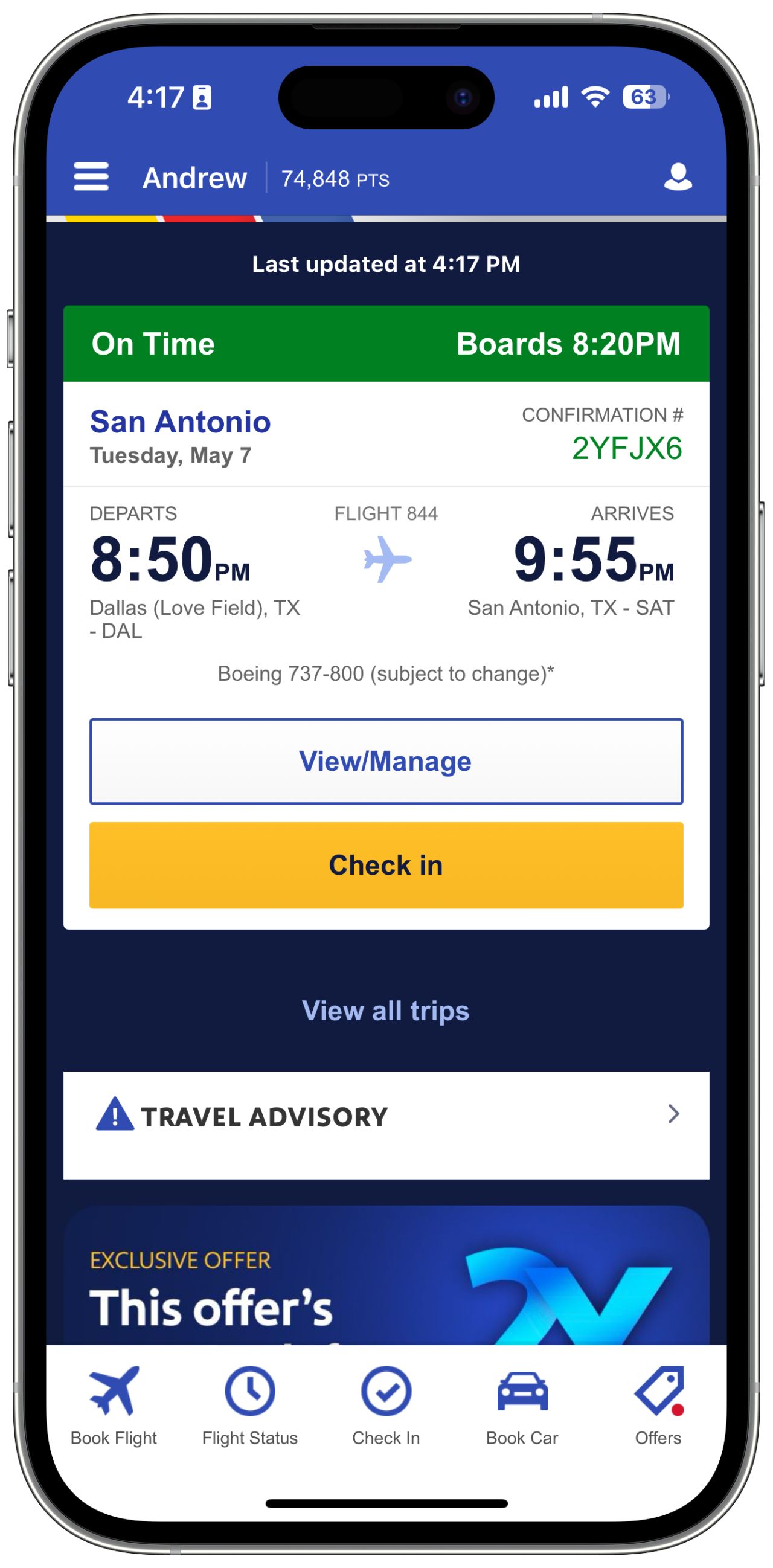
- Select “View/Manage” on their day of travel
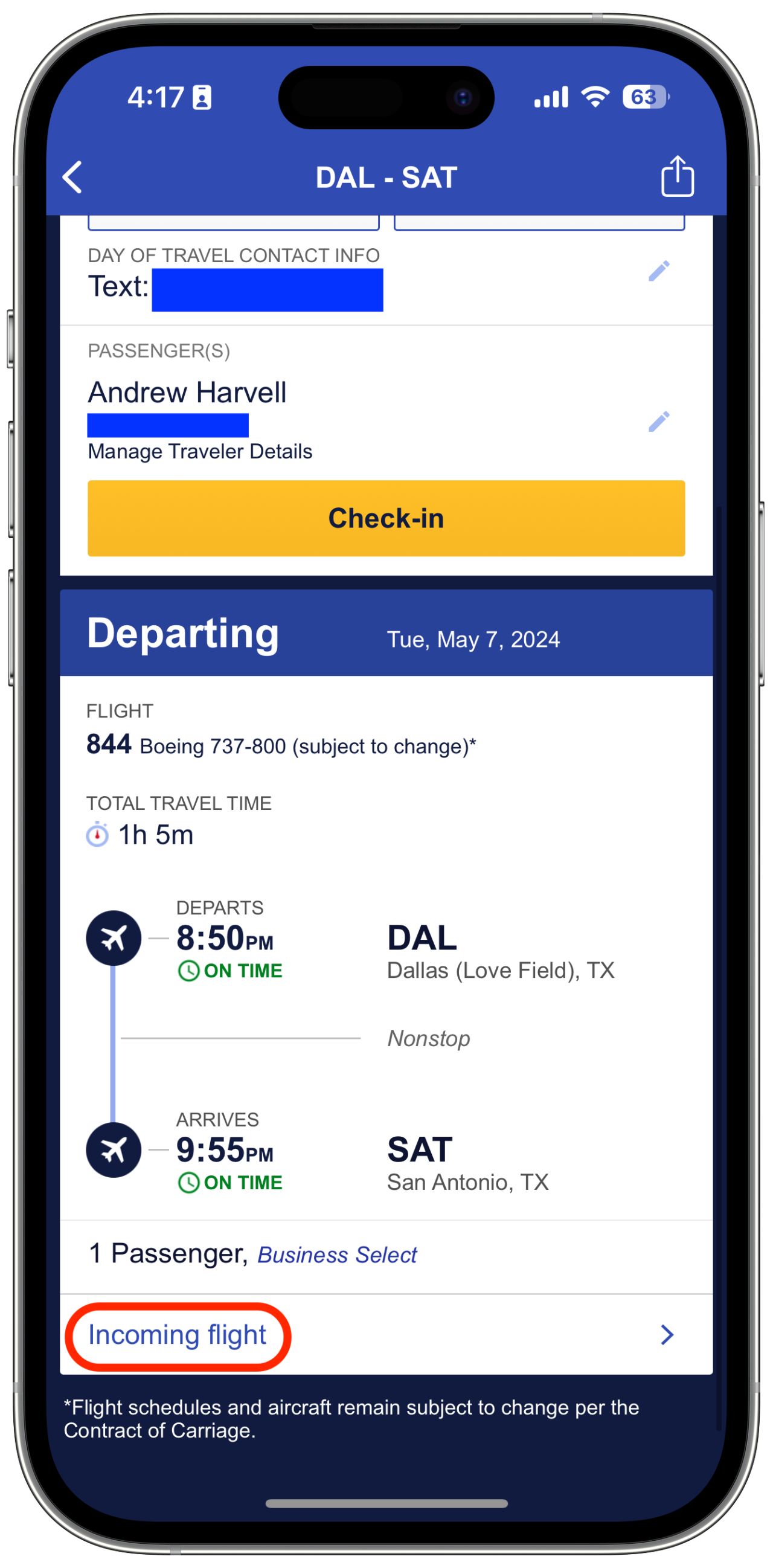
- Tap the “Incoming Flight” button below their fare
- View real-time updates on the incoming flight status
Information Provided
The tracker shows:
- Current location of the incoming aircraft
- Departure and arrival times for the inbound flight
- Delay information if the incoming plane is running late
Customer Impact
By knowing the exact status of an incoming flight, customers can better plan their day of travel. This helps them:
- Stay informed about potential schedule changes
- Reduce uncertainty and stress
- Make better decisions about airport arrival time
This feature reflects our commitment to transparency and helping customers feel in control of their travel experience.
Customers can now track the status of their incoming flight directly within the app, reducing uncertainty on travel day.